Millerpay help
Millerpay forgot password: account access help
Use this Miller Pay login guide when you cannot remember your account password. Begin from the official website and follow the recovery options available for your account.
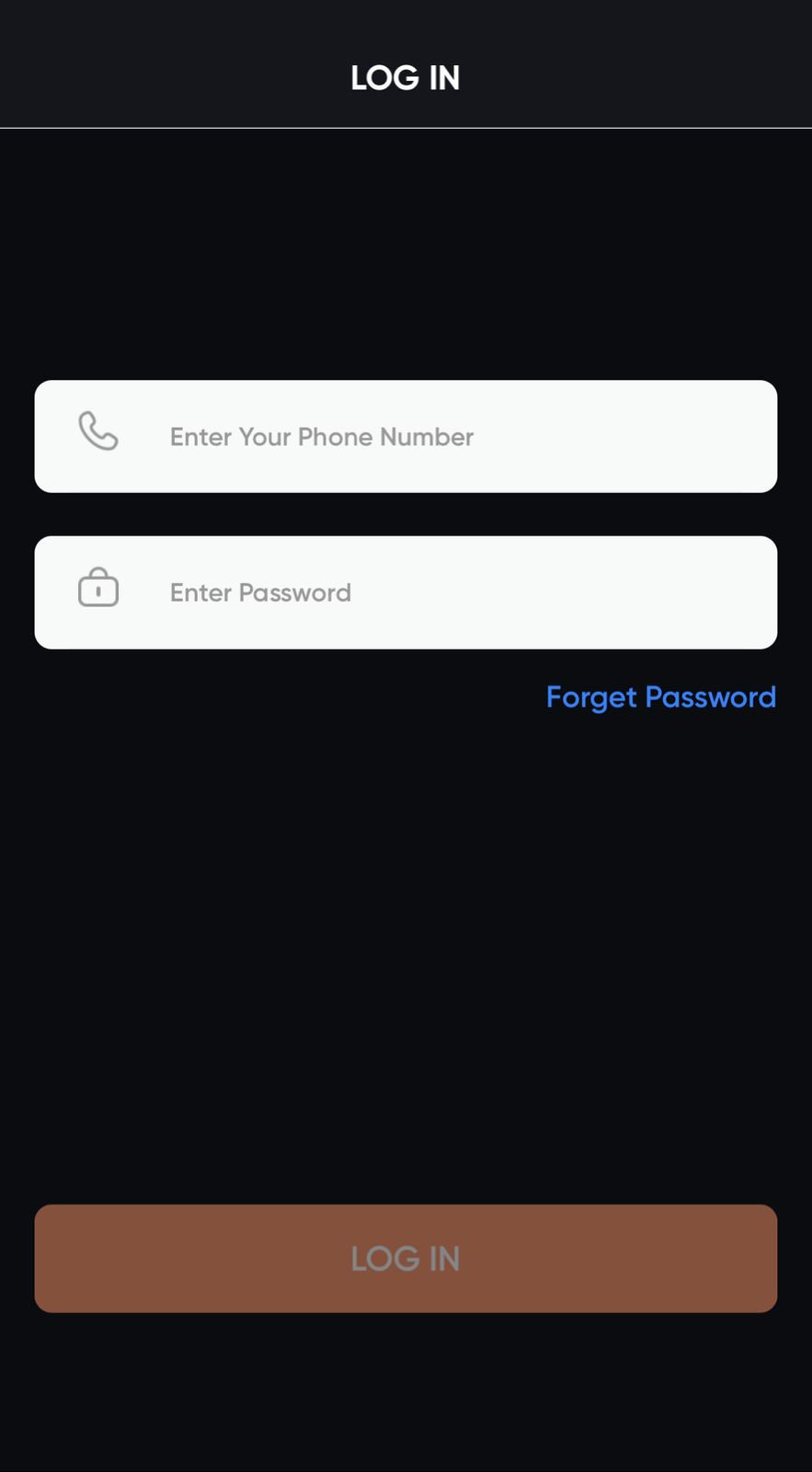
Open the Miller Pay login page
Go to millerpay-official.website/login. If the login screen shows a Forgot Password or Forget Password option, select it and follow the instructions displayed there.
- Use the mobile number registered to your Millerpay account.
- Complete only the verification requested inside the official login flow.
- If a password reset is offered, choose a unique password and return to login.
Recovery options may vary. This guide does not reset passwords or collect account information.
No recovery option, or verification did not arrive?
Check that the registered number and network connection are correct. Wait for any retry timer shown on the page. If recovery remains unavailable, use the help option shown inside the official app; do not send your password or verification code through an external social profile.
Password and MPIN are different
A password reset may not reset your MPIN. Follow the separate MPIN instructions shown in the Millerpay app if that is the step preventing access.
Read the complete Miller Pay login guide or check Millerpay app download guidance.